
claude plugin validate to auditGuide →Writes files, executes local shell processes, or programmatically drives Claude.
Statically scanned from hooks & source. Learn how to audit
Claude Desktop Themes
Themes for Claude Desktop, applied live. Pick one from a strip above the prompt with /themes.
Live ASCII wallpapers
An animated scene, drawn in characters, moves behind the chat. You can set its motion (smooth or cell by cell), its speed, its cell size and a backdrop behind the chat that keeps the text easy to read.
 Moonlit |  Clawd |  Cloud Drift |
 Honu Lagoon | 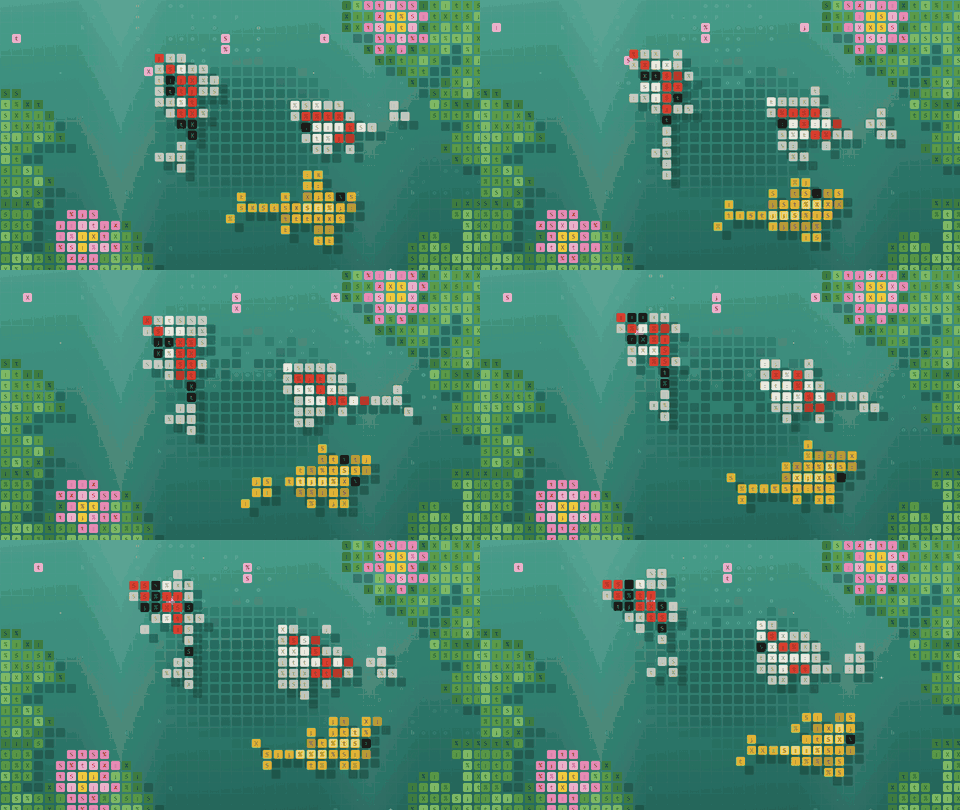 Koi Pond |  Jellyfish |
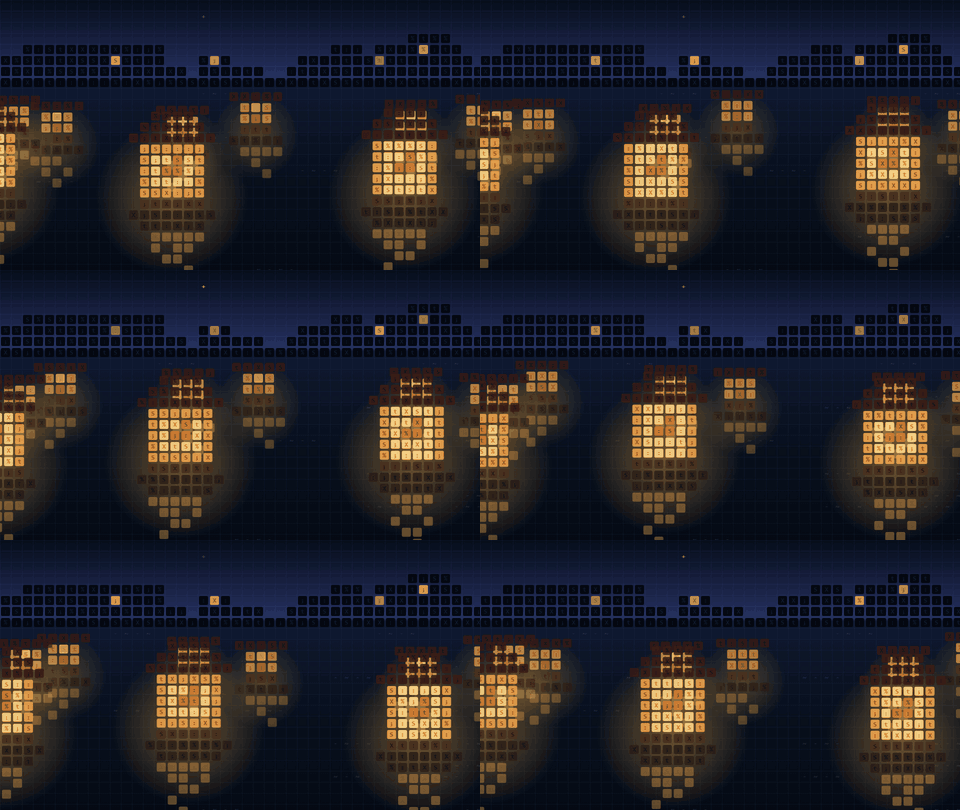 Lantern Night |  Fireflies |  Neon Rain |
 Sakura Dusk | 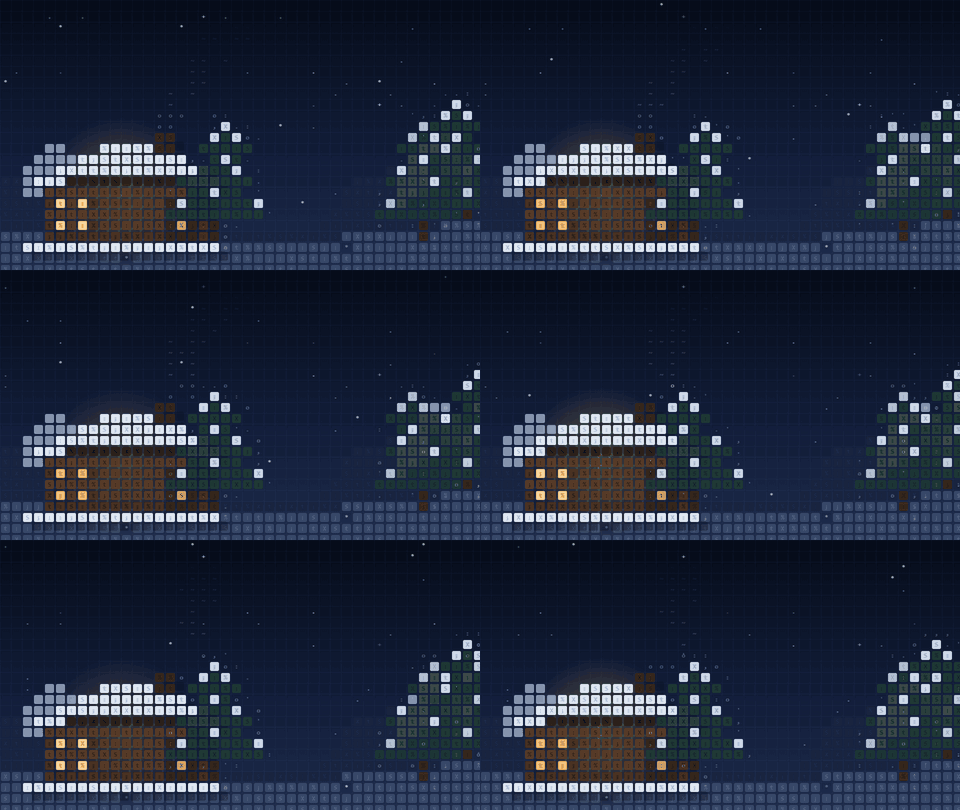 Snow Cabin |  Star Voyage |
Color themes
Each theme changes colors, fonts, corner shapes and shadows. Some react to tool calls: a glow while a tool runs, a shake on an error.
 Sunset Cloud | 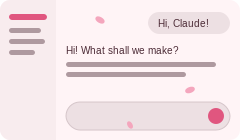 Sakura | 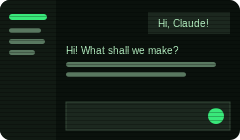 Terminal | 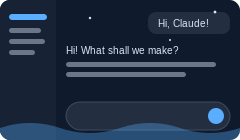 Night Sea | 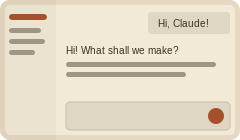 Old Paper |
Make your own
Ask Claude to "make me a theme", with a text idea, a picture, or both. The make-theme skill asks which kind you
want, drafts it as an Artifact for you to approve, and then builds it.
Before you install
The mod works in the Claude Desktop app's Code tab.
Unofficial. This mod is built on the mods, extensions and other parts that Claude Desktop already has. It is not a supported theming feature, so a future update of Claude Desktop can break it.
Windows and macOS. Linux is not done yet. Help from the community is welcome: issues and pull requests for it.
This is a community mod. It is not made or endorsed by Anthropic. Claude, Claude Desktop, Claude Code and Clawd belong to Anthropic.
Install
In Claude Desktop: open Settings → Plugins, press Add → Add marketplace, enter
https://github.com/0toshigami/claude-desktop-themes.git, then install themes-for-claude from it.
Or, at the prompt of a Claude Code terminal session:
/plugin install themes-for-claude --marketplace 0toshigami/claude-desktop-themes
Answer y to add the marketplace, then pick a scope.
From a shell:
claude plugin install themes-for-claude --marketplace 0toshigami/claude-desktop-themes
First use
- If
/themesdoes not show in the command list (often only/make-themeshows just after the install), type/reload-pluginsand then/reload-skills. - In a Claude Code session in Claude Desktop, type
/themes. The theme strip opens above the prompt./themesworks only inside a session. On the start page of + New, typing/themesonly starts a new session; type/themesagain in that session to open the strip. - The first time, the strip shows only an Install extension button. Press it. It copies the extension that
paints the themes into Claude Desktop's
extensionsfolder and setsREACT_PROFILE=1, which makes Claude Desktop load it:- Windows: the folder is
%APPDATA%\Claude\extensions, or%LOCALAPPDATA%\Claude-Data\<id>\extensionson newer installs. The variable is set for your Windows account. - macOS: the folder is
~/Library/Application Support/Claude/extensions. The variable is set withlaunchctl setenv, and a LaunchAgent (~/Library/LaunchAgents/com.github.0toshigami.themes-for-claude.plist) sets it again at each login.
- Windows: the folder is
- Quit Claude Desktop fully (Windows: also from the system tray; macOS: Cmd+Q) and open it again.
- Type
/themesagain and press a theme's name to put it on. Press Claude to go back to Claude's own colors.
Your own themes
- Simple themes go into
%USERPROFILE%\.claude\themes-for-claude\(macOS:~/.claude/themes-for-claude/) as<id>.json, with an optional<id>.css. They show in the strip's "Yours" tab, and an update of the mod does not remove them. - Live wallpapers go into the same folder:
<id>.jsonwith"wallpaper": "<id>", and the scene as<id>.js. Pick it in/themesand it shows at once, with no restart.
Uninstall
Uninstalling the plugin removes only its commands. The extension in Claude Desktop's extensions folder stays, so
remove it first:
- Type
/themesand press Remove extension at the bottom of the strip, then Remove. It takes the mod's files and entries out offmkadmapgofadopljbjfkapdkoienihiin Claude Desktop'sextensionsfolder. If no other mod uses that folder, it also removes the folder and theREACT_PROFILEvariable (on macOS, the LaunchAgent too). If another mod uses the folder, it keeps both. - Restart Claude Desktop.
- Uninstall the plugin: in Settings → Plugins, or with
claude plugin uninstall themes-for-claude. - Optional: remove the marketplace too, which deletes its copy in
%USERPROFILE%\.claude\plugins\marketplaces. Use Settings → Plugins → Add → Manage marketplaces, orclaude plugin marketplace remove claude-desktop-themes.
Your own themes in %USERPROFILE%\.claude\themes-for-claude\ (macOS: ~/.claude/themes-for-claude/) stay. Delete
that folder if you do not want them.
If you uninstalled the plugin first, remove the extension by hand in PowerShell. The folder can hold other mods too, so this deletes the folder and the variable only when the folder holds this mod alone:
$app = (Get-ChildItem "$env:LOCALAPPDATA\Claude-Data\*\Local State" -ErrorAction SilentlyContinue | Select-Object -First 1).DirectoryName
if (-not $app) { $app = "$env:APPDATA\Claude" }
$d = "$app\extensions\fmkadmapgofadopljbjfkapdkoienihi"
if (((Get-Content "$d\manifest.json" -Raw | ConvertFrom-Json).content_scripts.js -join ',') -eq 'theme.js') {
  Remove-Item -Recurse $d; [Environment]::SetEnvironmentVariable('REACT_PROFILE', $null, 'User')
} else { "Another mod shares $d. Delete only theme.js, theme.json and event.json, and their manifest entries." }
On macOS, in Terminal:
d="$HOME/Library/Application Support/Claude/extensions/fmkadmapgofadopljbjfkapdkoienihi"
js() { plutil -extract "$1" raw -o - "$d/manifest.json" 2>/dev/null; }
if [ "$(js content_scripts)/$(js content_scripts.0.js)/$(js content_scripts.0.js.0)" = "1/1/theme.js" ]; then
  rm -rf "$d"; launchctl unsetenv REACT_PROFILE
  rm -f ~/Library/LaunchAgents/com.github.0toshigami.themes-for-claude.plist
else echo "Another mod shares $d. Delete only theme.js, theme.json and event.json, and their manifest entries."; fi
Safety
A theme's stylesheet goes on your logged-in Claude page, so the extension refuses any stylesheet that loads something
from outside it: no @import, and no url() except data:. A theme's .json and .css are data only.
A live wallpaper's scene (<id>.js) is code, and it runs on your logged-in Claude page. Keep only scene files that
you made or that you trust, the same as any other code you run.
Thanks
Thanks to @handsher_NGU, whose post gave the idea for this mod.
License
MIT
Details
- Author
- @0toshigami
- GitHub Stars
- 49
- Sub-category
- Interface
- License
- MIT
- Surfaces
- terminal
- Added
- 27 days ago
- Last synced
- today
- Events hooked
session.startcommand.runui.renderturn.startclassic.PermissionRequesttool.callturn.complete
Weekly Mods Digest
Top new Claude Code mods and install commands, once a week. No fluff, unsubscribe anytime.

