
Multi-Core CLI
Claude Code plugin: use ChatGPT (Codex), Cursor, OpenCode Zen, and Antigravity models inside one Claude Code session. Switch with /model, delegate to named native workers, keep each provider's own login and permissions.
claude plugin validate to auditGuide →Makes outbound network requests, calls MCP servers, or requests auth handles.
Statically scanned from hooks & source. Learn how to audit
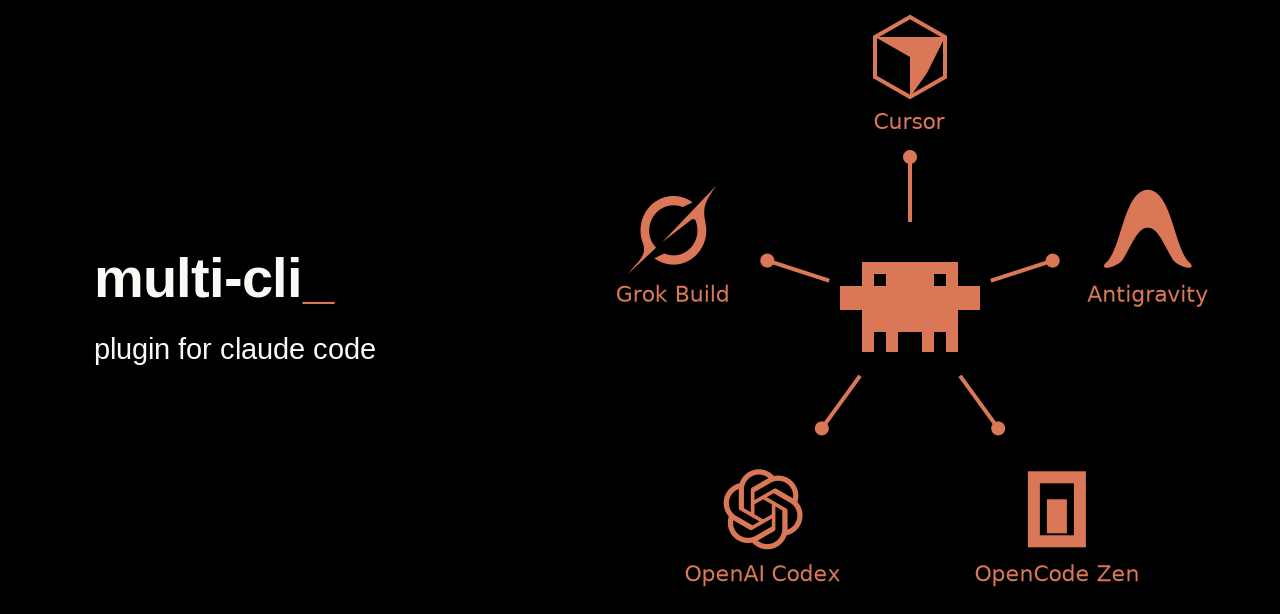
cc-multi-cli-plugin
One Claude Code session. Your models. Their native tools.







Multi brings external models and coding harnesses into one Claude Code session through the /model picker and provider workers started from the Agent tool, with each provider's own login and permissions. Providers are OpenAI (ChatGPT via Codex login), Cursor (official SDK), OpenCode Zen (API key), Antigravity (official CLI), and Grok (official Grok Build CLI).
Quick start · Providers · Documentation · Contributing · Changelog
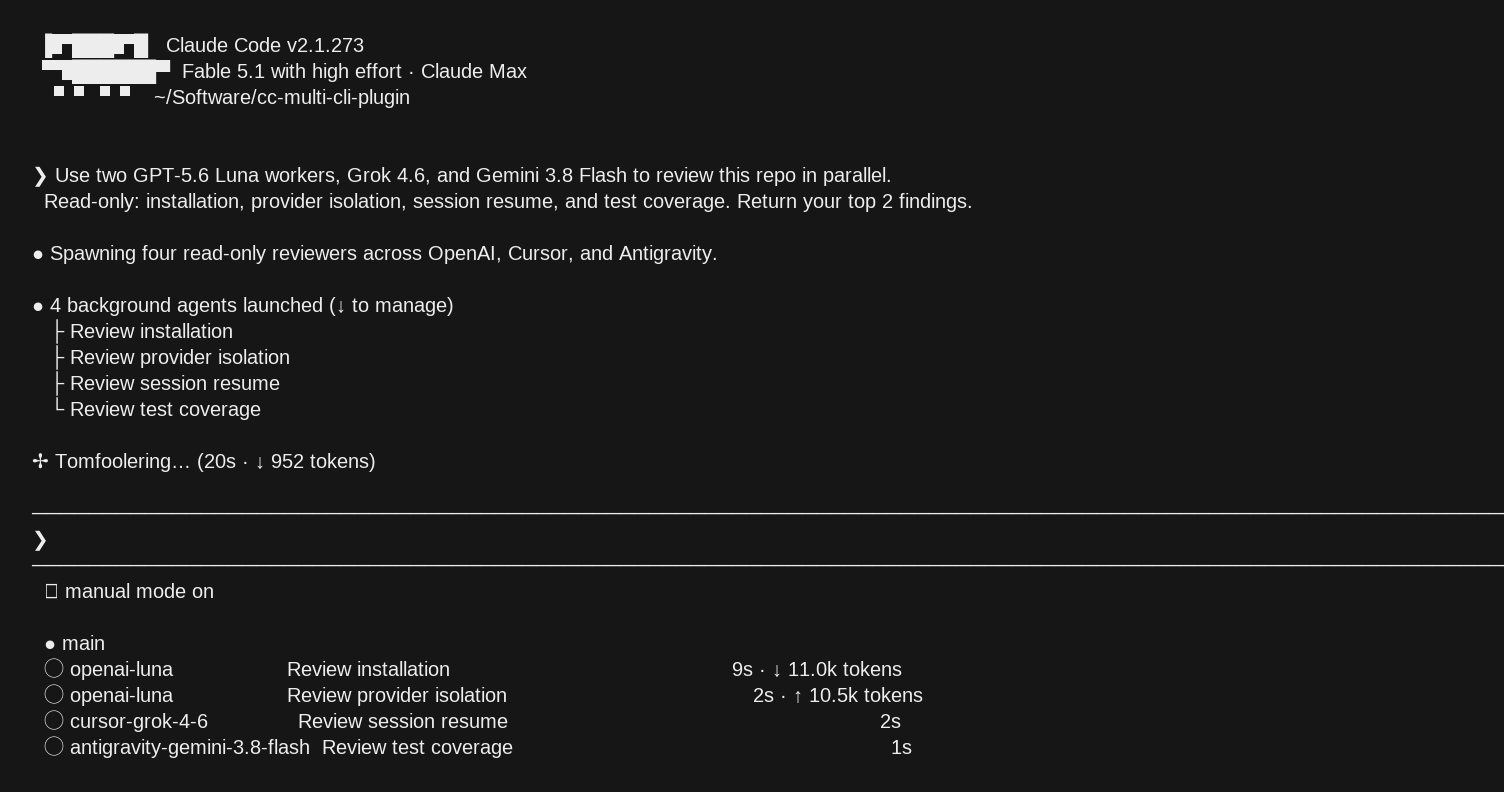
Illustration of the multi-provider workflow, edited from a live Luna terminal capture; not a recording of a mixed-provider run. Asset provenance.
Why Multi?
- Choose your model in place. Switch through
/modeland select supported reasoning effort with/effort. - Delegate to provider workers. Any agent type, Claude's built-ins or your own, runs on a provider model the Agent tool names (
model: "gemini-4-neon"), keeping its own instructions and tools; native actions appear as tool rows under the harness's own tool names. - Keep native execution. OpenAI and Zen use Claude Code's tools; Cursor, Antigravity and Grok run their own SDK or CLI tools.
- Carry your session forward. Resume saved sessions, and keep Remote Control when signed in to claude.ai.
- Terminal or desktop. Works in
claude-multiand in the Claude desktop app's Code tab. - Stay in control. Claude's permission mode and explicit tool restrictions govern provider dispatch.
Install
In Claude Code, add the marketplace and install the providers you want:
/plugin marketplace add greenpolo/cc-multi-cli-plugin
/plugin install multi-openai@cc-multi-cli-plugin
/plugin install multi-cursor@cc-multi-cli-plugin
/plugin install multi-zen@cc-multi-cli-plugin
/plugin install multi-antigravity@cc-multi-cli-plugin
/plugin install multi-grok@cc-multi-cli-plugin
/reload-plugins
/multi-core:setup
Install any subset; each provider pulls in the shared multi-core plugin. Open a new terminal, run claude-multi, and connect the providers you installed:
Providers
| Plugin | Command | What it gives you |
|---|---|---|
multi-openai | /multi-openai:login | ChatGPT models through Codex |
multi-cursor | /multi-cursor:login | Official Cursor SDK models and workers |
multi-zen | /multi-zen:connect | OpenCode Zen models with an API key |
multi-antigravity | /multi-antigravity:connect | Antigravity models and workers through agy |
multi-grok | /multi-grok:login | Grok models and workers through Grok Build |
multi status shows installed/enabled providers; it does not test login or inference. multi uninstall removes the shell integration and keeps provider logins. Plain claude stays unchanged unless you explicitly choose --command claude. Rename the launch command or trim the /model rows with /multi-core:setup --command <name> --models <ids>. Details: installation.
Installing with a coding agent
Paste this into any coding agent:
Install cc-multi-cli-plugin by following https://github.com/greenpolo/cc-multi-cli-plugin/blob/main/docs/installation.md#for-agents. Ask which providers I want, what to name the launch command (default
claude-multi), and which models to show in/model(curated provider defaults). Hand browser logins and API-key entry to me, and never ask for credentials in chat.
Use
Launch with claude-multi. /model lists the external models next to Claude's; /effort sets effort where the model supports it. Any agent type runs on a provider model when the Agent tool's model parameter names one, as a subagent with live progress, elapsed time and cancellation. Claude's permission mode governs every provider; see permissions. Resume a saved session with claude-multi --resume <session-id>.
In the Claude desktop app, just start a new Code session after /multi-core:setup: Multi starts with it. See installation.
Use /multi-usage to open a provider usage menu with quotas, billed spend where
available, session tokens, and worker receipts. Set MULTI_RECEIPTS_FILE before
launching to append JSONL receipts. See usage and receipts.
Documentation
- Installation, usage and receipts, permissions
- Providers: OpenAI · Cursor · OpenCode Zen · Antigravity · Grok
- Platform support (Linux, macOS, Windows; WSL uses the Linux paths)
- Contributors: architecture, Claude Mods reference
Where do tools run?
OpenAI and Zen use Claude Code's tool execution loop. Cursor uses its official SDK, and Antigravity and Grok use their real CLIs. Native harness actions are displayed in the session and are never replayed as executable Claude tool calls. See architecture and permissions for the boundaries.
Contributing
Bug reports, provider improvements, and documentation fixes are welcome. Read the contributing guide for local setup and checks, or open a bug report or feature request.
CI runs npm run check on Linux, macOS, and Windows.
License
Apache 2.0. See NOTICE for upstream credits.
Details
- Author
- @greenpolo
- GitHub Stars
- 198
- Sub-category
- Automation
- License
- Apache-2.0
- Surfaces
- hooks/usage-view.ts
- Added
- 7 months ago
- Last synced
- today
- Events hooked
classic.PreToolUsecommand.runui.renderui.messageturn.stepturn.completesession.endsession.compacttool.describe
Weekly Mods Digest
Top new Claude Code mods and install commands, once a week. No fluff, unsubscribe anytime.

