
Extra Mods
Claude Code mods: Claude Tools menu, Zen mode, terminal themes, effort and mode controls
claude plugin validate to auditGuide →Makes outbound network requests, calls MCP servers, or requests auth handles.
Statically scanned from hooks & source. Learn how to audit
 Claude Mods
A sidebar for Claude Code: Zen mode, themes, model and effort, and a status line.
English · Português
Zen · Theme · Mode · Status · Install
Zen
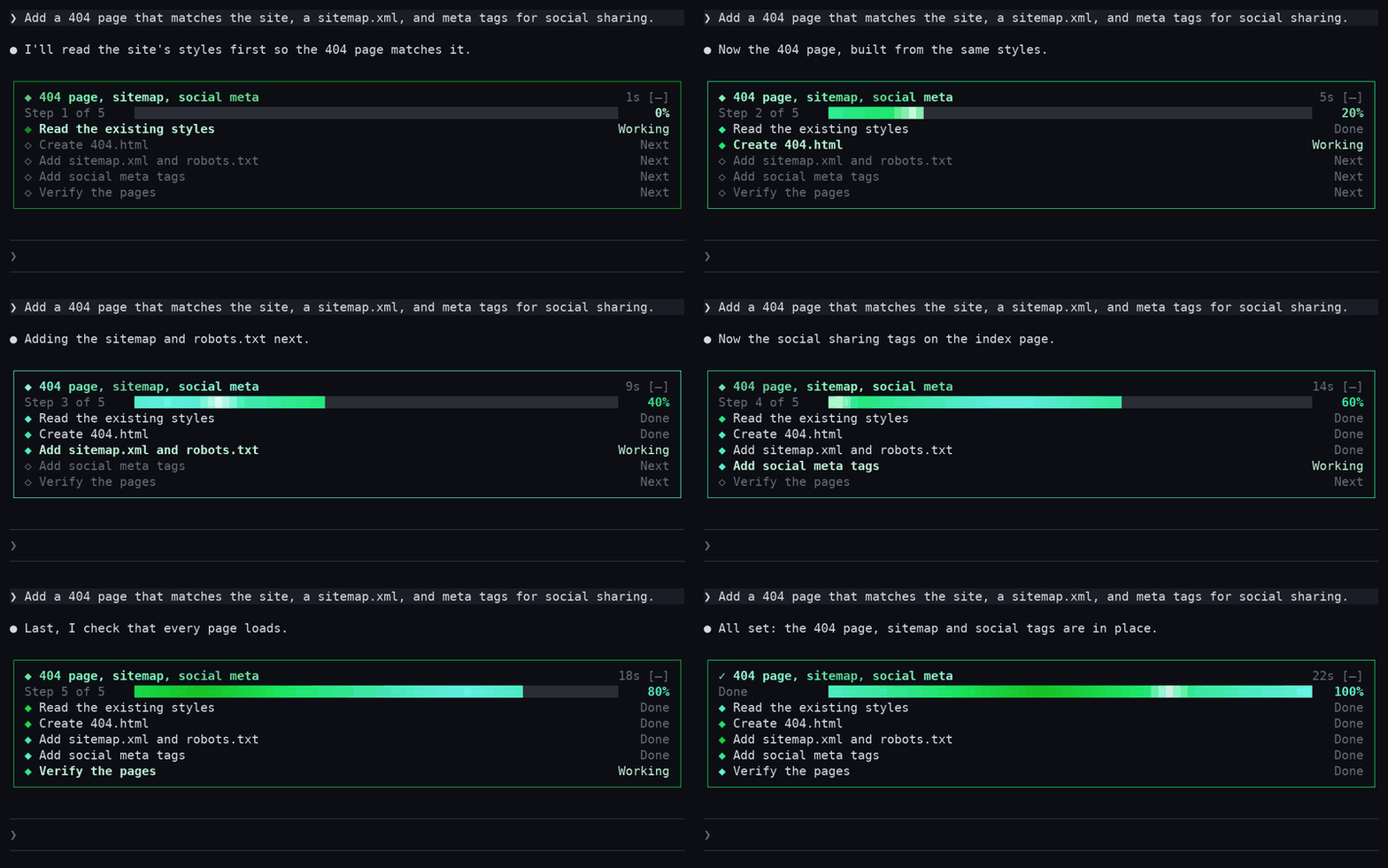
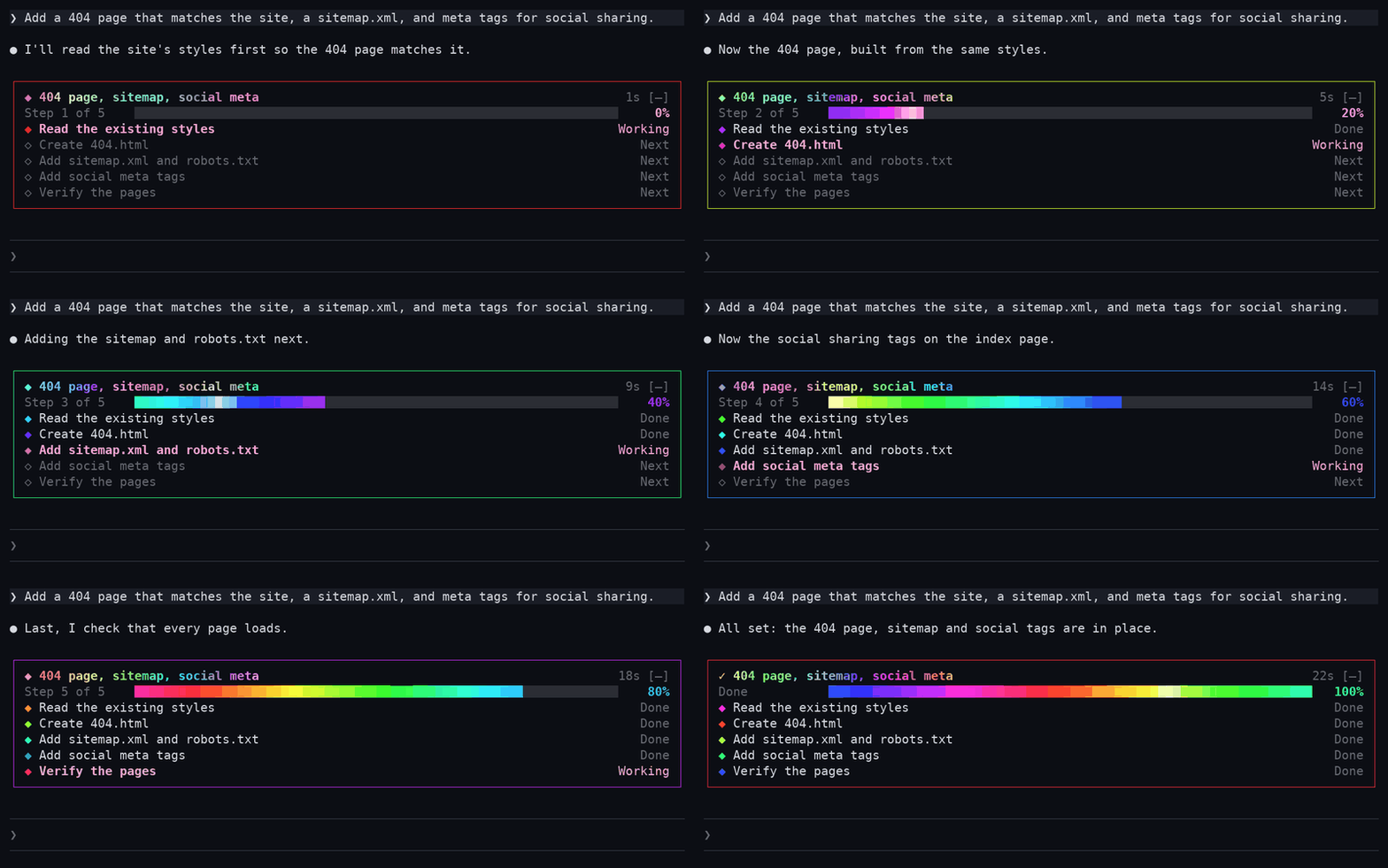
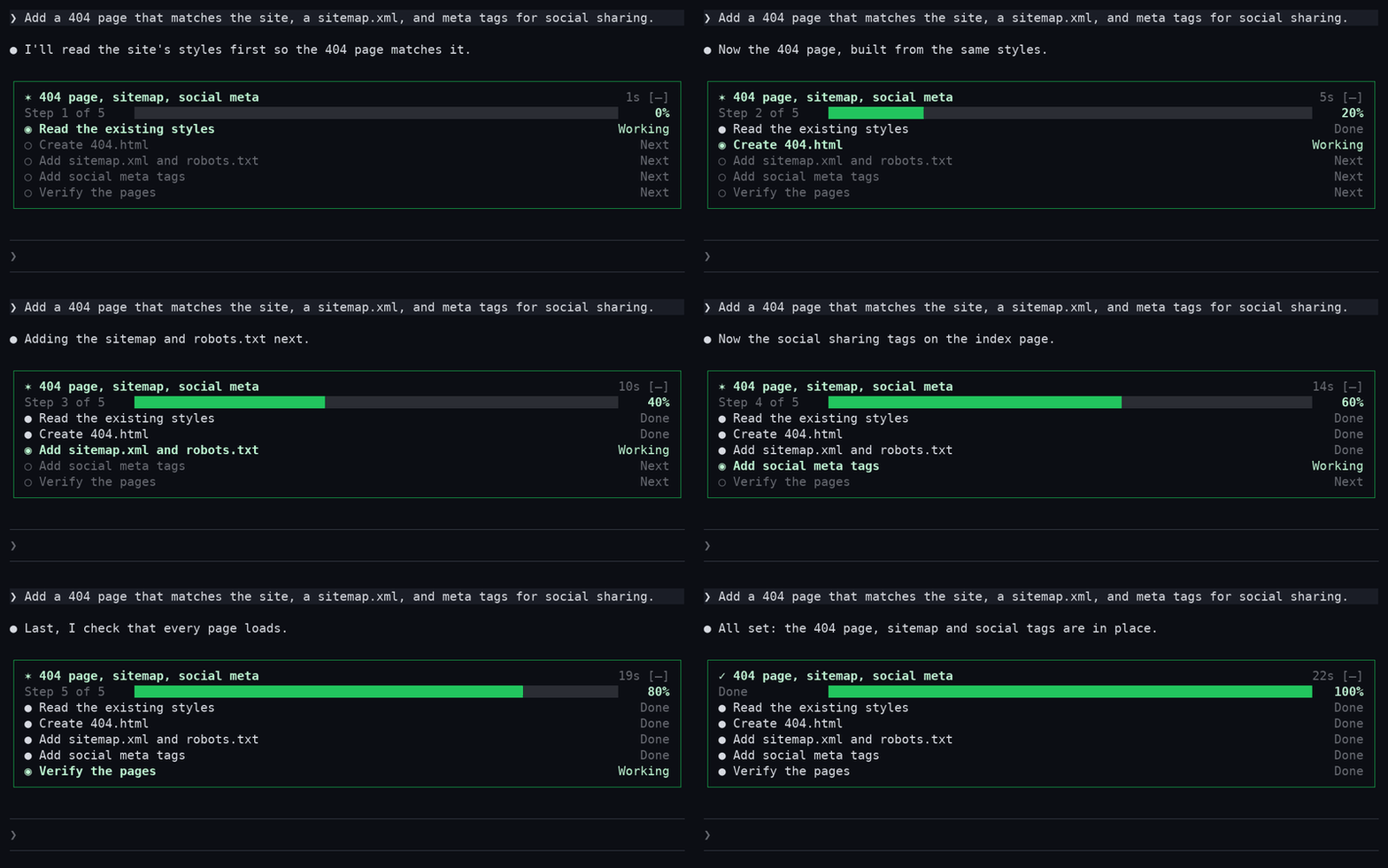
Hides all tool calls and giant code blocks and shows just a progress bar and small progress reports.
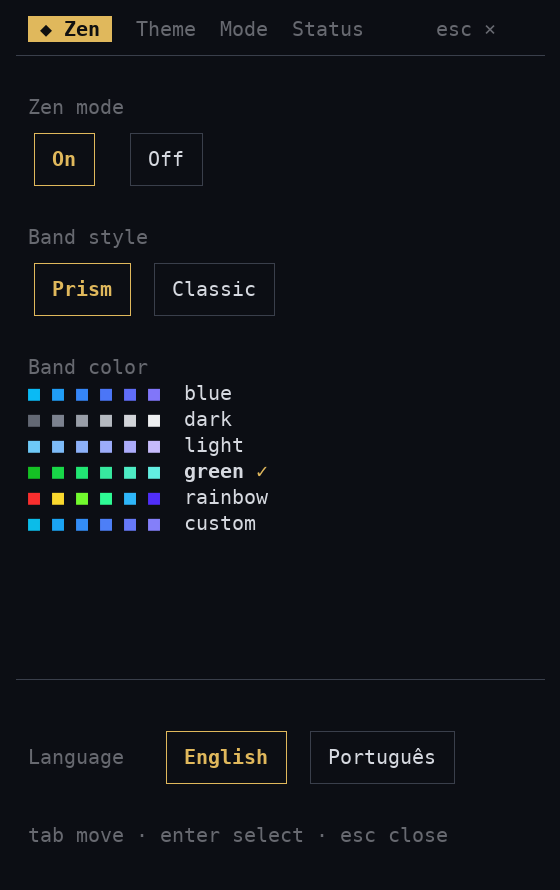
Pick a style and a color in the Zen tab. Prism (the default) gives every cell its own color, flowing along the bar with a glint passing through. Classic keeps flat colors.
Prism · green
Prism · rainbow
Classic · green
Classic · rainbow
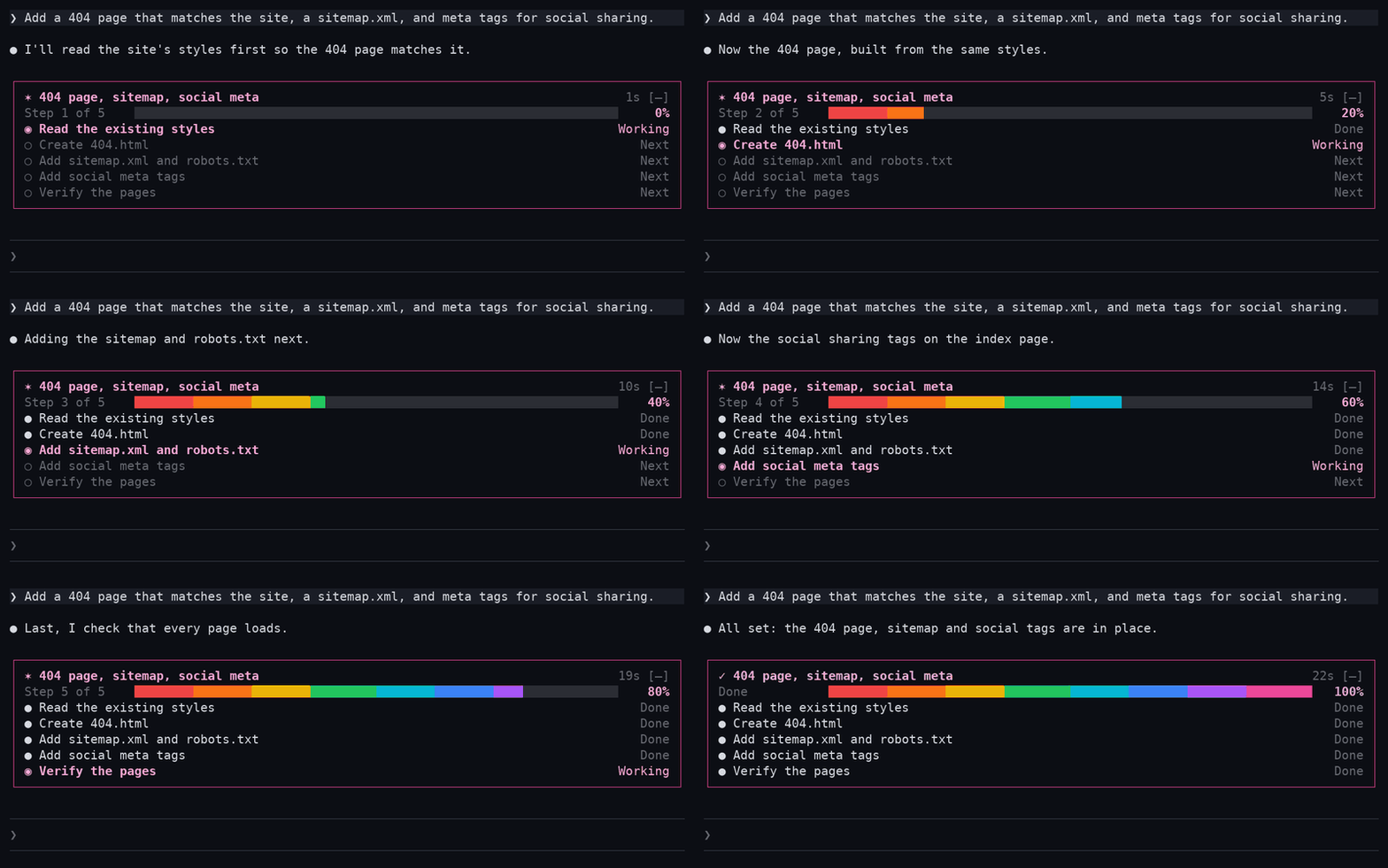
Band colors: blue, dark, light, green, rainbow or custom.
Theme
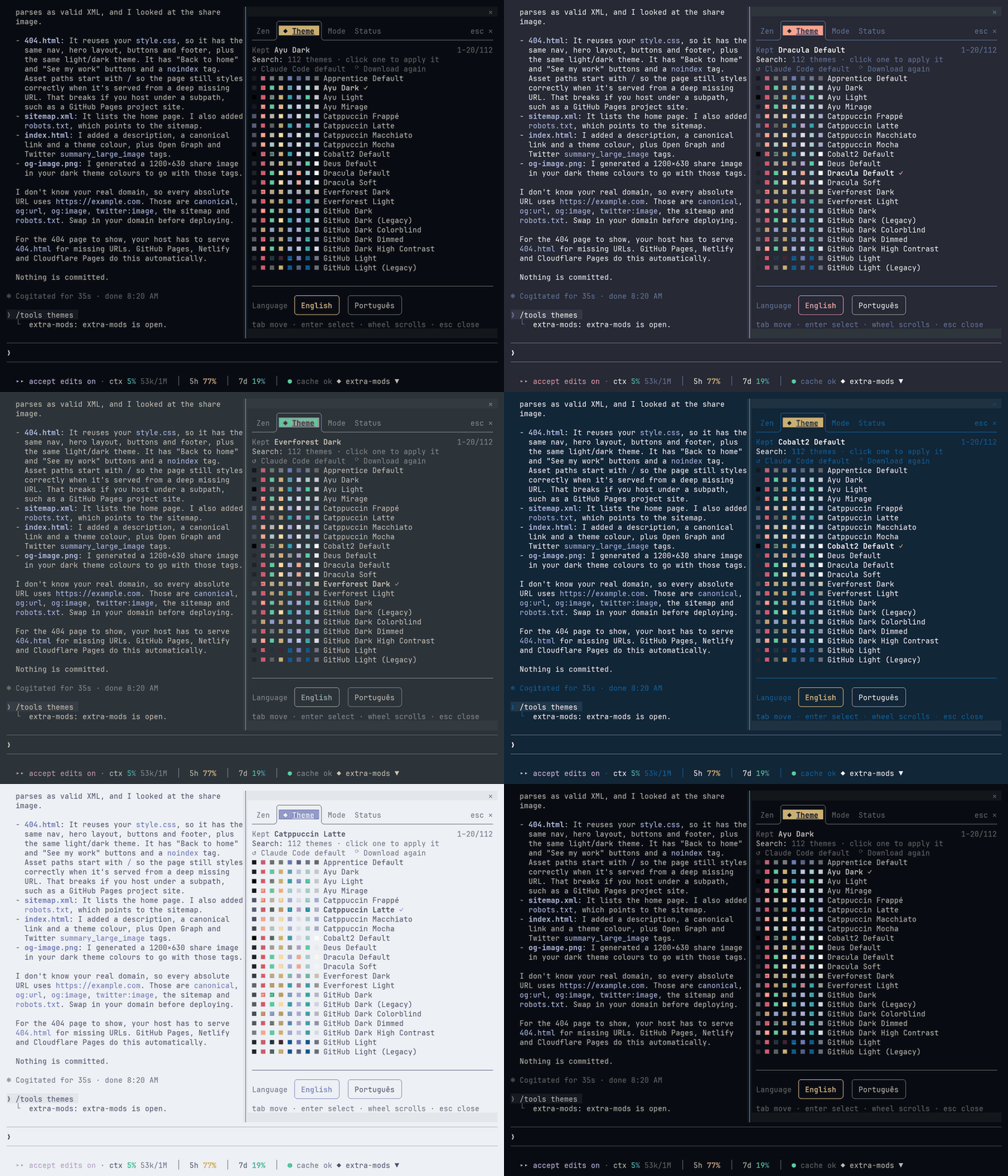
Applies any of 100+ themes from terminalcolors.com with one click.
Mode
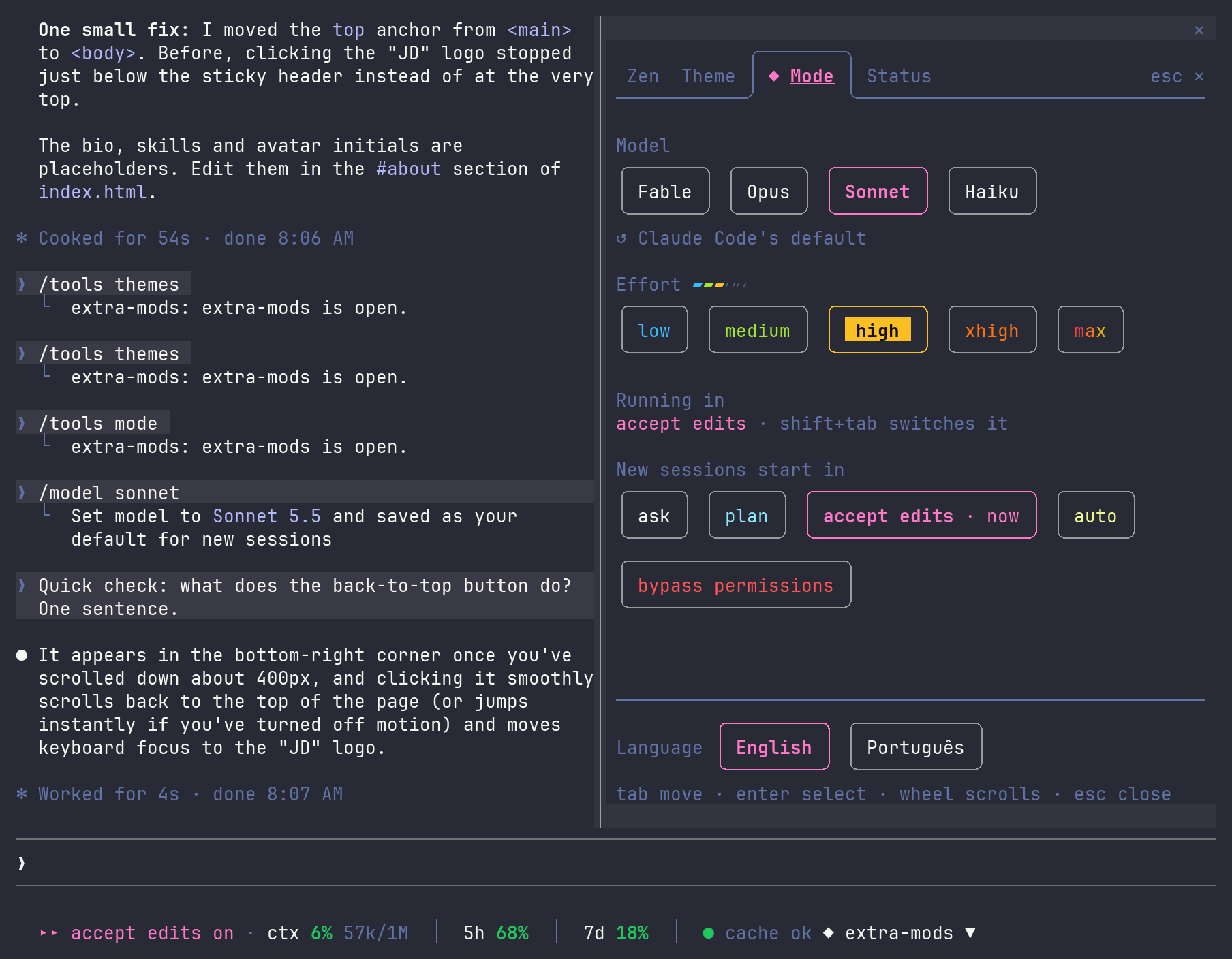
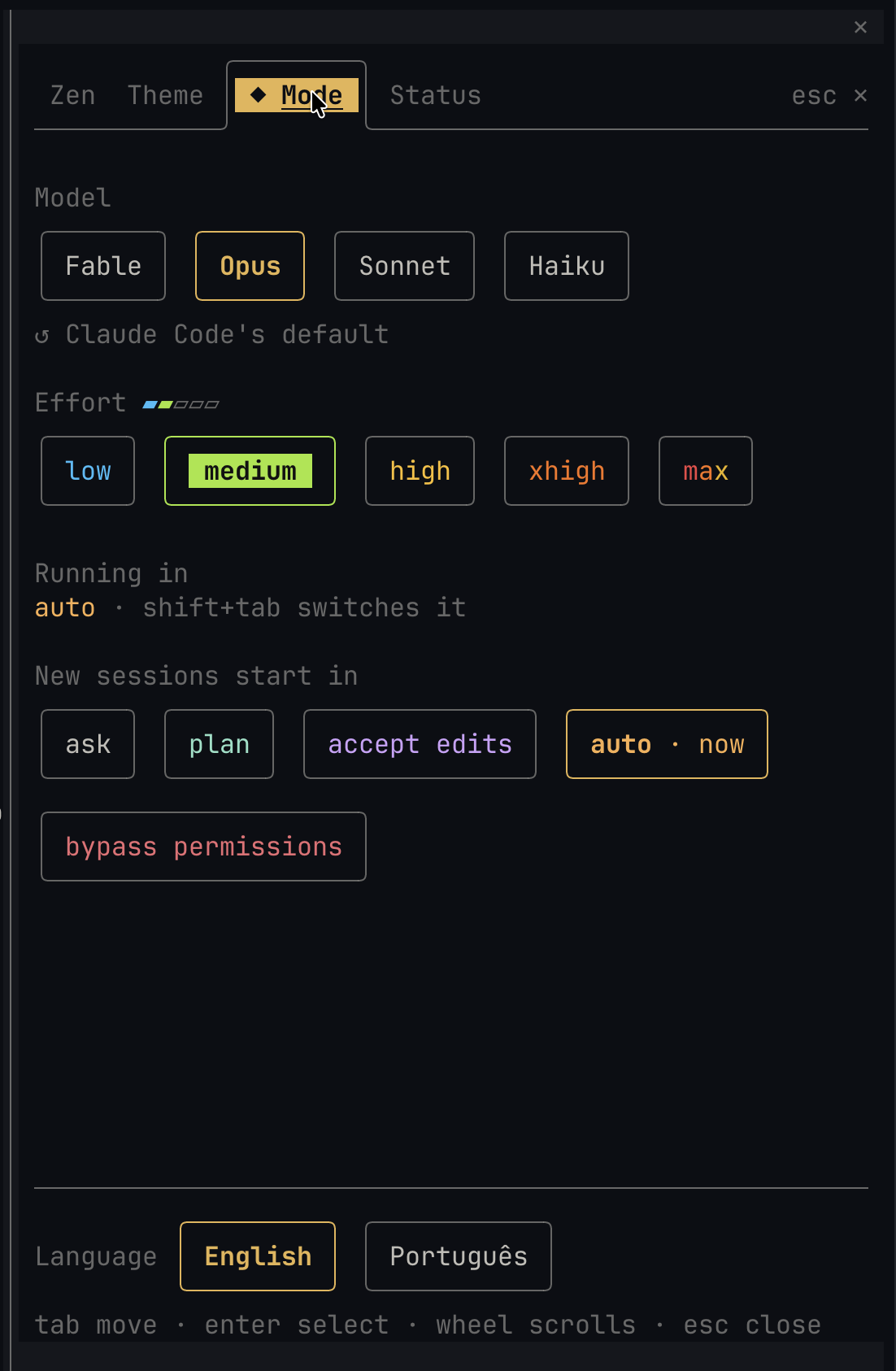
Switches the model and effort, and picks the mode new sessions start in.
Status
Shows model, folder, branch, context, 5h/7d limits and cache state on one row.

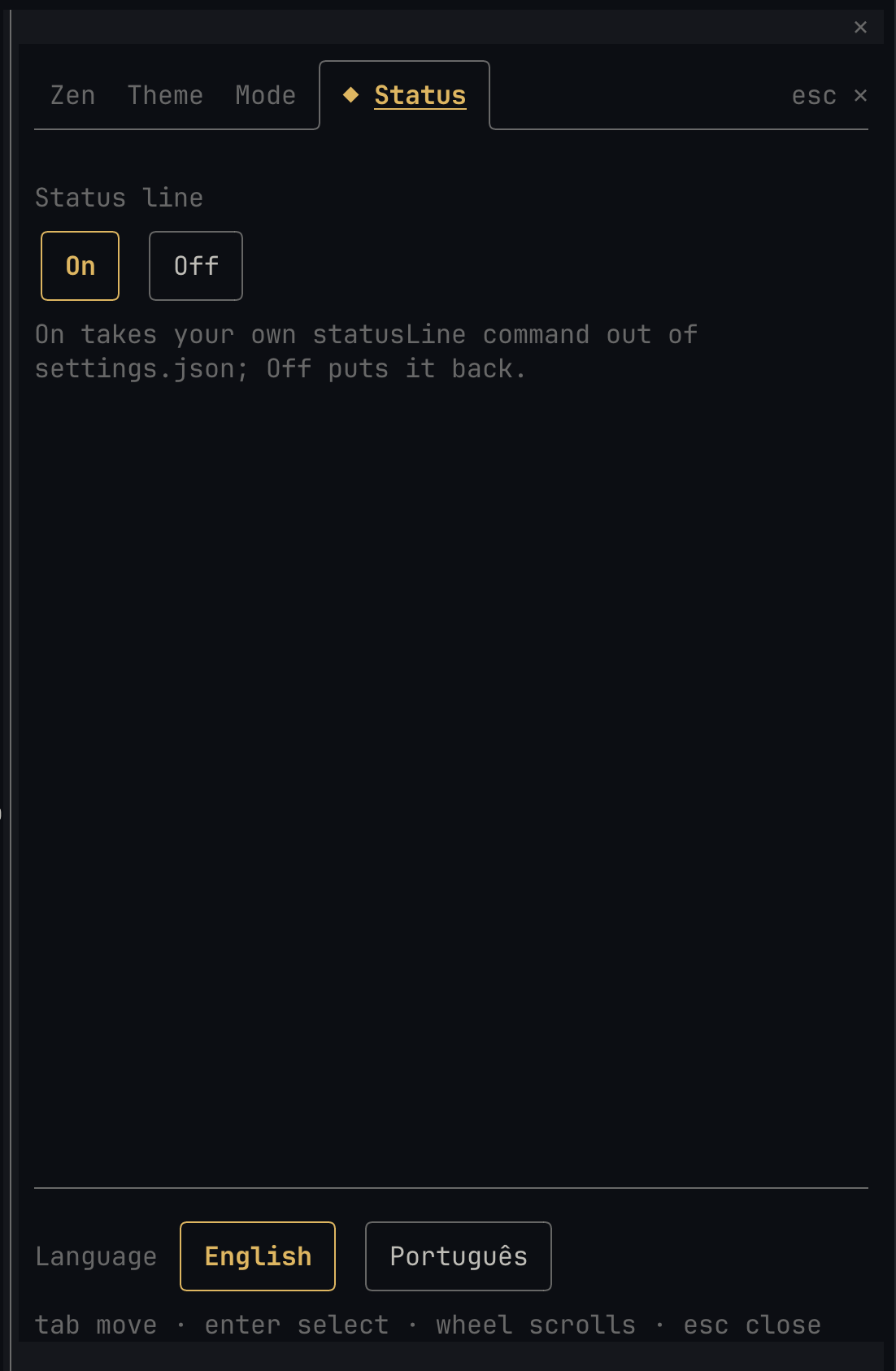
The sidebar speaks English and Português. Keys: Tab moves, Enter selects, Esc closes.
Install
Needs Claude Code 2.1.292 or newer.
claude plugin marketplace add Jhonatan-de-Souza/ClaudeMods
claude plugin install extra-mods@jdsjh-mods --scope user
Run /reload-plugins (or start a new session), then click ◆ extra-mods ▲ at the bottom right, or type /tools.
To update: claude plugin marketplace update jdsjh-mods && claude plugin update extra-mods@jdsjh-mods
Good to know
- Zen: Claude gets a
zen_progresstool to post its plan and update each step.[–]shrinks the band to one line. Band colors: blue, dark, light, green, rainbow or custom. - Theme: themes download once to
~/.claude/extra-mods/themes/. The pick is written as~/.claude/themes/extra-mods.jsonand set in~/.claude/settings.json. Restart Claude Code once the first time; after that themes change live. The terminal background follows too, on Windows Terminal (for the session, then restored) and on terminals that take OSC colors (Ghostty, iTerm2, kitty, WezTerm, Terminal.app). - Mode: the model switch runs Claude Code's own
/model. The effort level applies to every request and is remembered. A running session's permission mode changes with shift+tab; the pick here is saved aspermissions.defaultMode. - Status: on by default. It takes your own
statusLineout ofsettings.jsonand puts it back when you turn it off. Background shells and monitors show on a second row; click it for/tasks. - Every settings file is backed up first, as
*.extra-mods.bak.
Install with an AI agent
Point your coding agent at this repository and ask it to install the mod. Steps for the agent (ask the user before step 4):
- Run
claude --version; it must be 2.1.292 or higher. - Run
claude plugin marketplace add Jhonatan-de-Souza/ClaudeMods. - Run
claude plugin install extra-mods@jdsjh-mods --scope user. - Optional, only if the user doesn't want the mod's status line: copy
statusline/statusline.pyto~/.claude/statusline.pyand set"statusLine": { "type": "command", "command": "python ~/.claude/statusline.py", "refreshInterval": 2 }in~/.claude/settings.json(python3on macOS and Linux). - Check
claude plugin listshowsextra-modsenabled, then tell the user to run/reload-plugins.
On Windows, use forward slashes in paths when running in Git Bash.
Develop
claude --plugin-dir ./plugins/extra-mods
claude plugin validate ./plugins/extra-mods
claude plugin test ./plugins/extra-mods
Details
- Author
- @Jhonatan-de-Souza
- GitHub Stars
- 29
- Sub-category
- Automation
- Surfaces
- terminal
- Added
- 1 months ago
- Last synced
- today
- Events hooked
session.endclassic.SessionStartsession.startcommand.runui.renderui.closeui.scrollui.focus
Weekly Mods Digest
Top new Claude Code mods and install commands, once a week. No fluff, unsubscribe anytime.

